
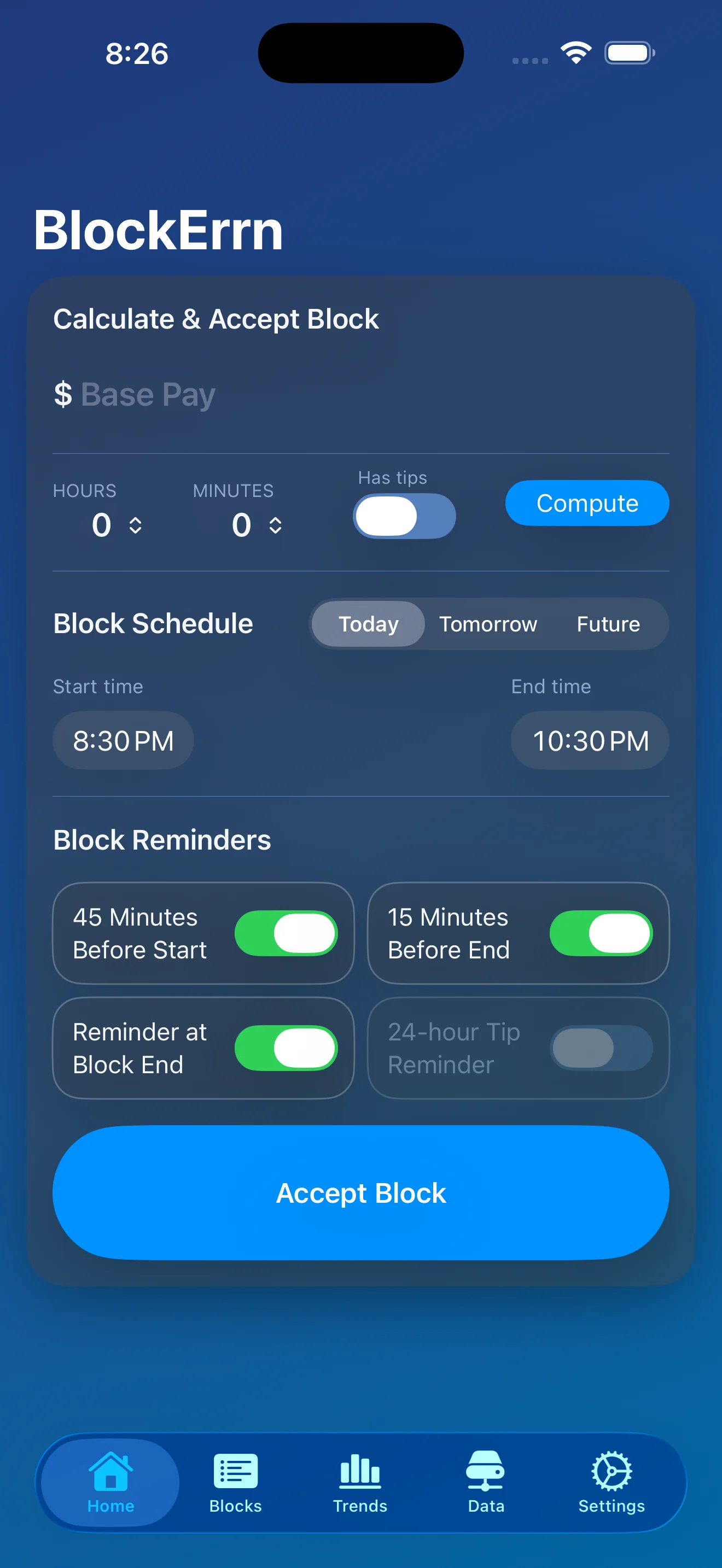
Calculate & Accept Block
Enter base pay, set the block schedule, choose reminders, and accept the block from the same screen.
BlockErrn is a gig work tracker for people who want a clear record of what they worked, what they drove, what they spent, and what they actually made. The app covers block scheduling, live mileage tracking, expenses, trends, export, backup, Apple Watch, and CarPlay without turning your work history into ad data.
Flow through the pictures below to introduce yourself to the capabilities of BlockErrn.
Enter base pay, set the block schedule, choose reminders, and accept the block from the same screen.
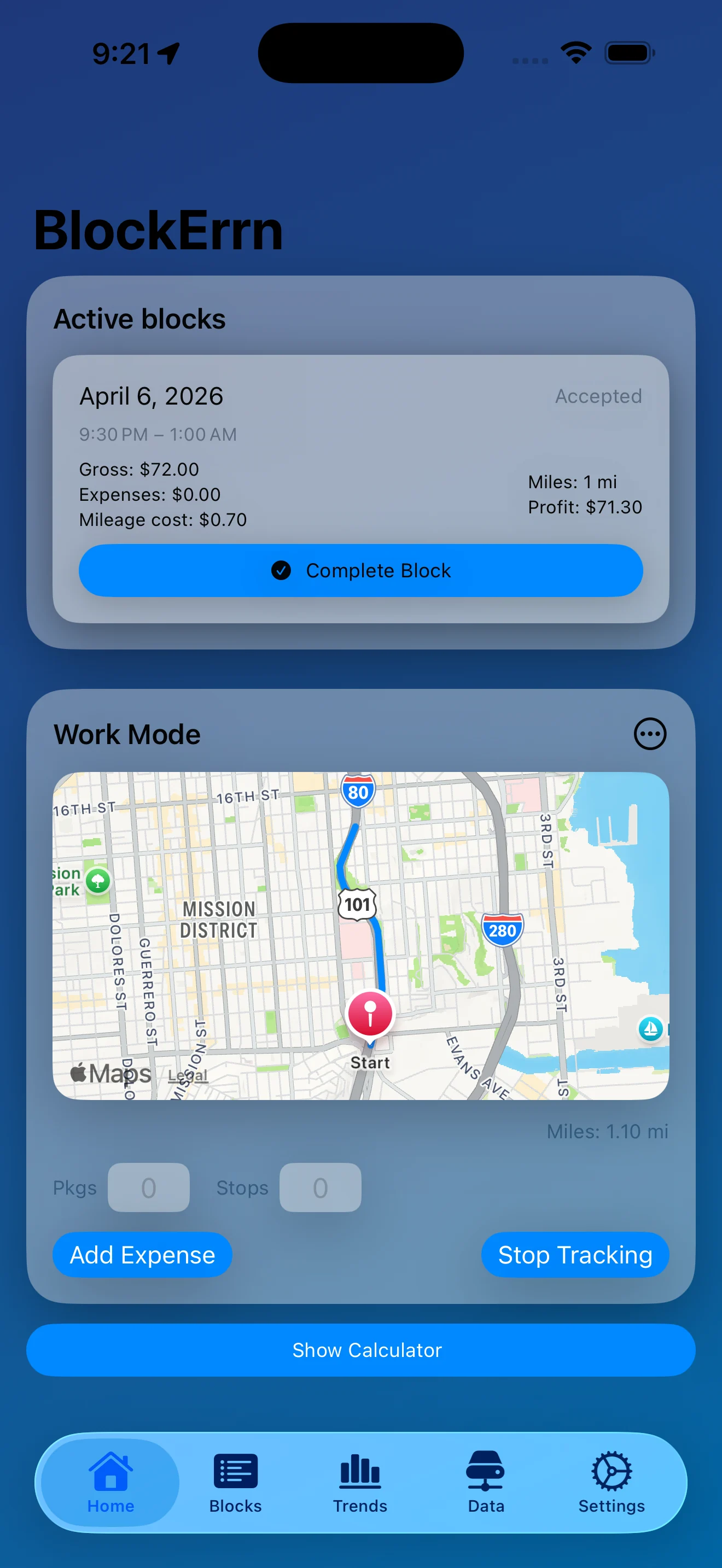
Once a block is running, the home screen shows current pay, expenses, mileage cost, profit, and the live route map.
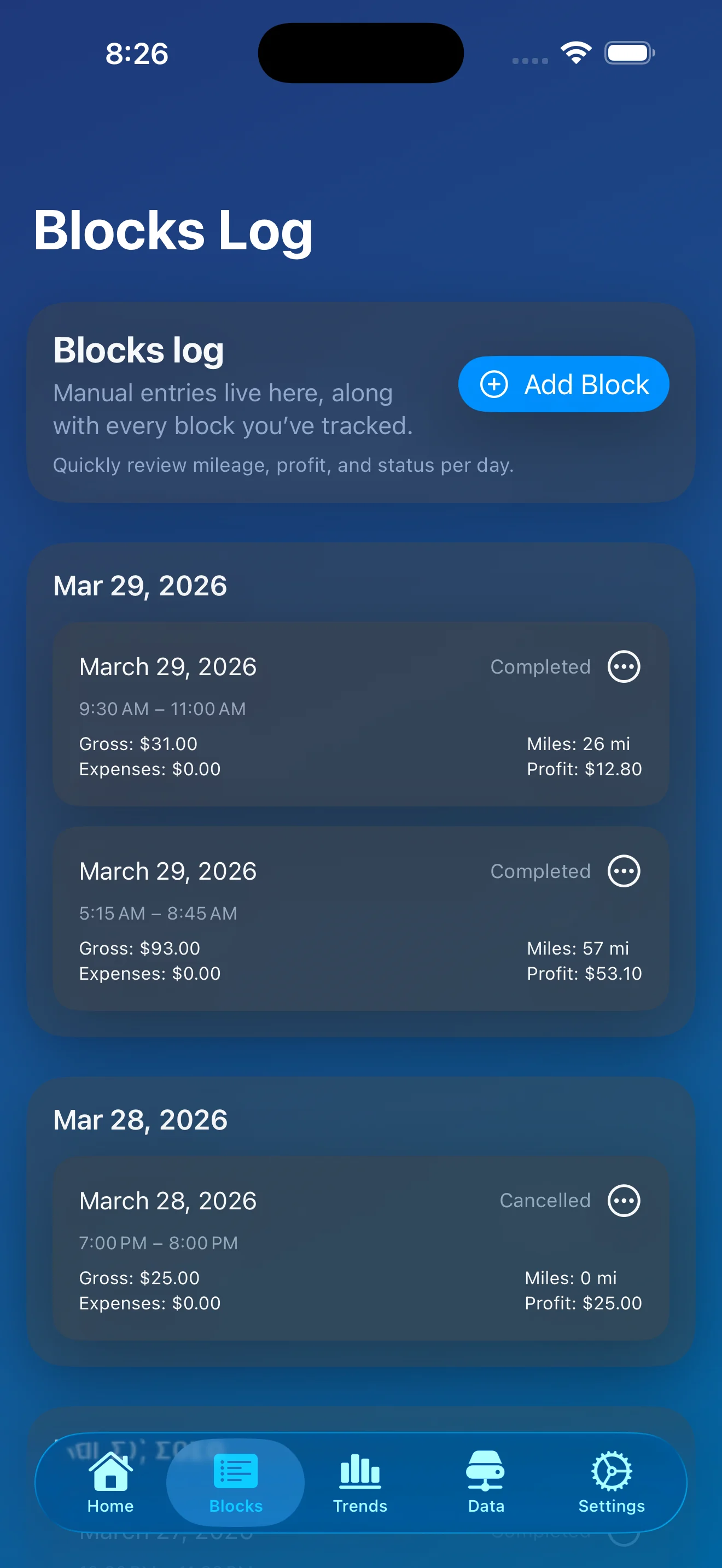
Review each block by day with status, times, gross, expenses, miles, and profit.
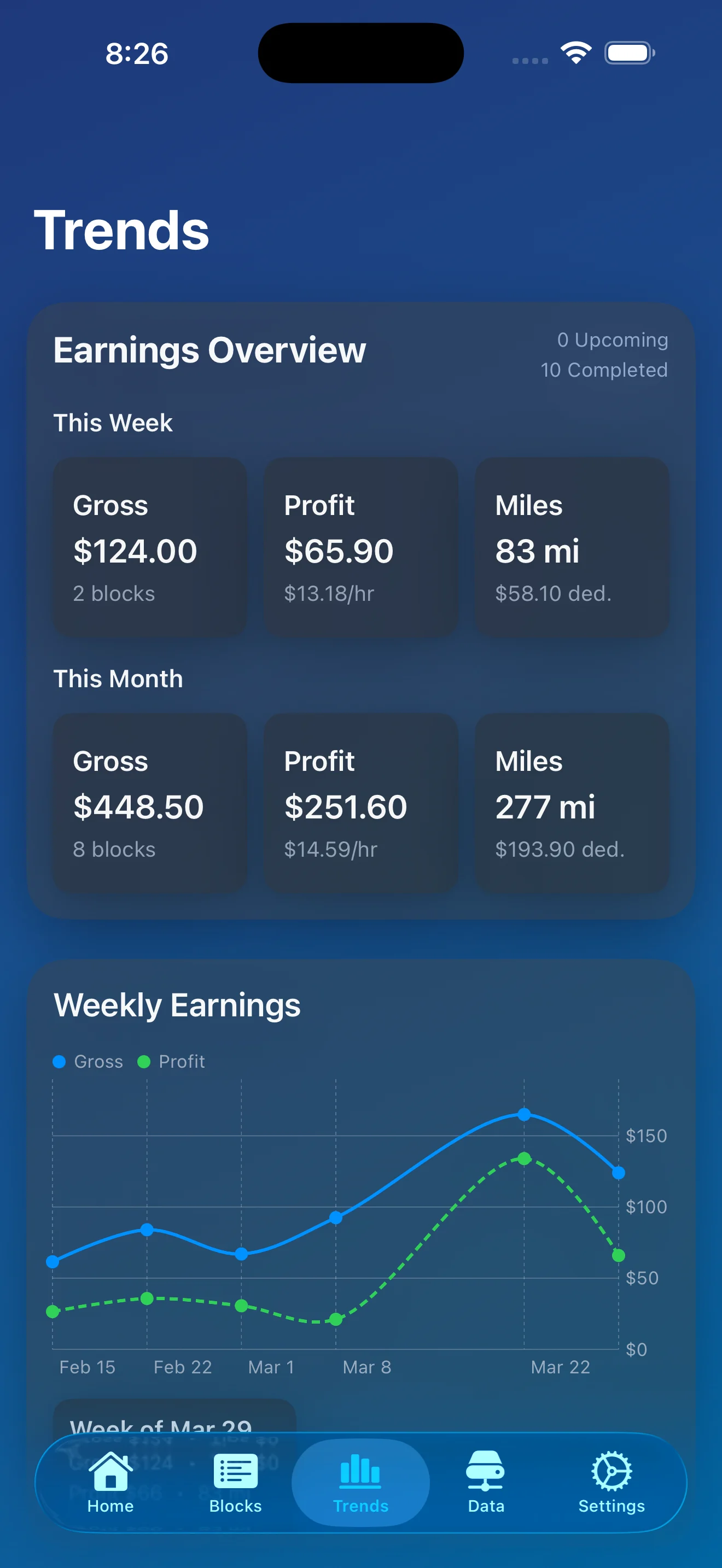
See weekly and monthly gross, profit, and miles with charts that make the last few weeks easy to read.
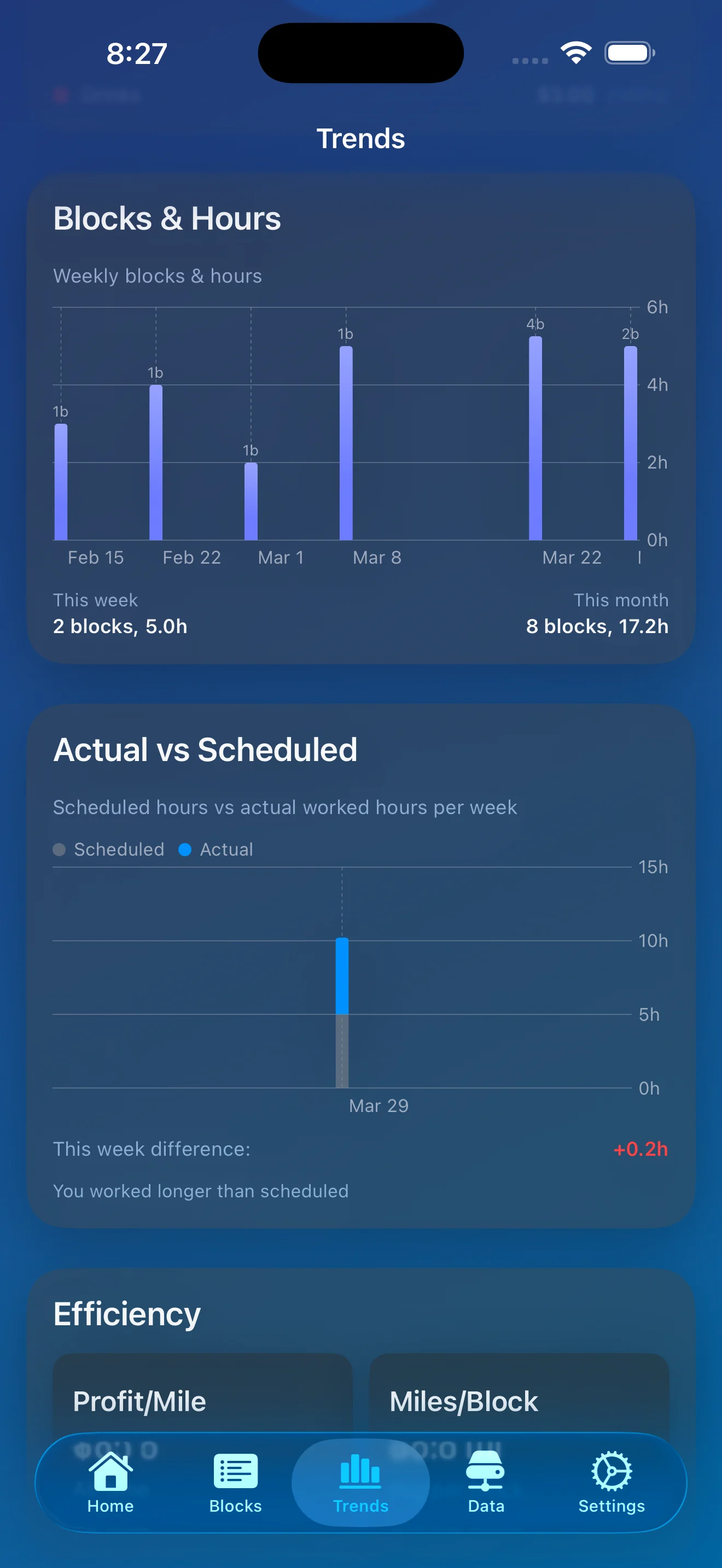
Drill into blocks and hours, compare actual versus scheduled time, and view efficiency metrics.
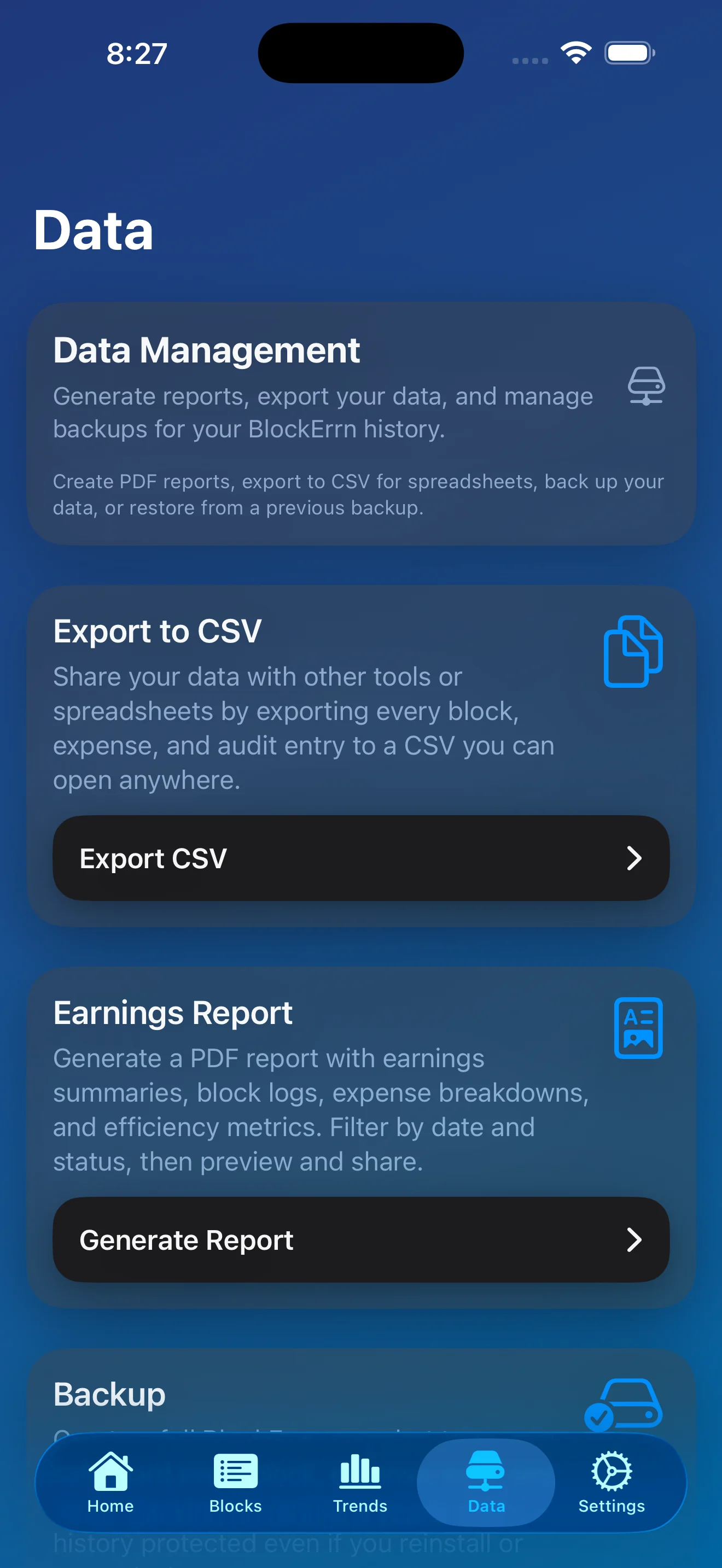
Export your data to a CSV and manage and restore backups from one place. Generate Reports and Customize your CSV Exports with BlockErrn Pro.
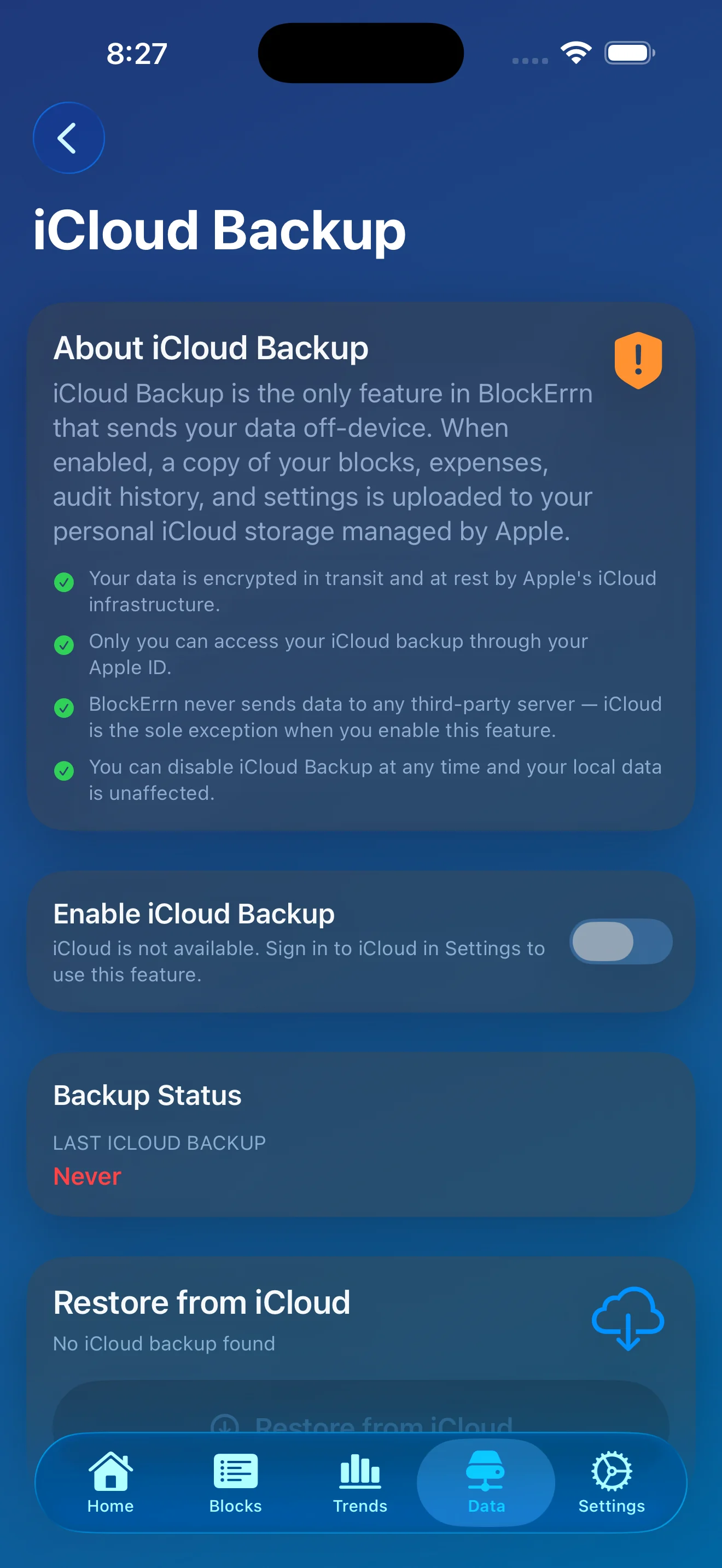
Backups done your way - local manual backups are included. Automated iCloud Backups available with BlockErrn Pro.
Create, schedule, start, complete, and review blocks with start and end times, pay, tips, reminders, expenses, mileage cost, and profit.
Track mileage while you drive and turn that into a deduction estimate inside the app.
Store expenses with categories, notes, and timestamps so each block has a fuller record.
See current-week summaries, longer trend views, and historical performance without exporting your data somewhere else just to understand it.
Keep up with active and upcoming blocks from your wrist or your dashboard.
What you track in BlockErrn stays on your device including your blocks, mileage, expenses and any related records unless you choose to send it off-device.
Your data is YOUR data. No logins, no back-end servers. BlockErrn is as local as you want it to be.
Your data leaves the app only when you intentionally choose to do so.
You can disable permissions, opt out of iCloud Backup, and delete your data from the app at any time.
Automated iCloud Backup is available to BlockErrn Pro members. If you turn it on, a copy of your data is stored in your personal iCloud account managed by Apple. BlockErrn never sees your backup!
Local backup is part of the core app. BlockErrn Pro adds iCloud backup and restore to your personal iCloud account.
CSV export is built in. BlockErrn Pro adds PDF reports and CSV column configuration for people who want more control over what they export.
Pro adds receipt capture, full trend history, iCloud backup, PDF reports, and CSV column configuration. It extends the app without changing the privacy stance.
Need help or want to report a bug? We prefer GitHub Issues for bugs but email is fine too!
Questions or Comments? For non-Support inquiries drop us a line below